Create your educator account
Create an educator account and an institution so you can start setting writing assessments. You need access to your work email. You must be over 18 and not a student.
The example uses Maya Chen at Northgate Secondary College. Enter your own details instead.
1. Start your signup
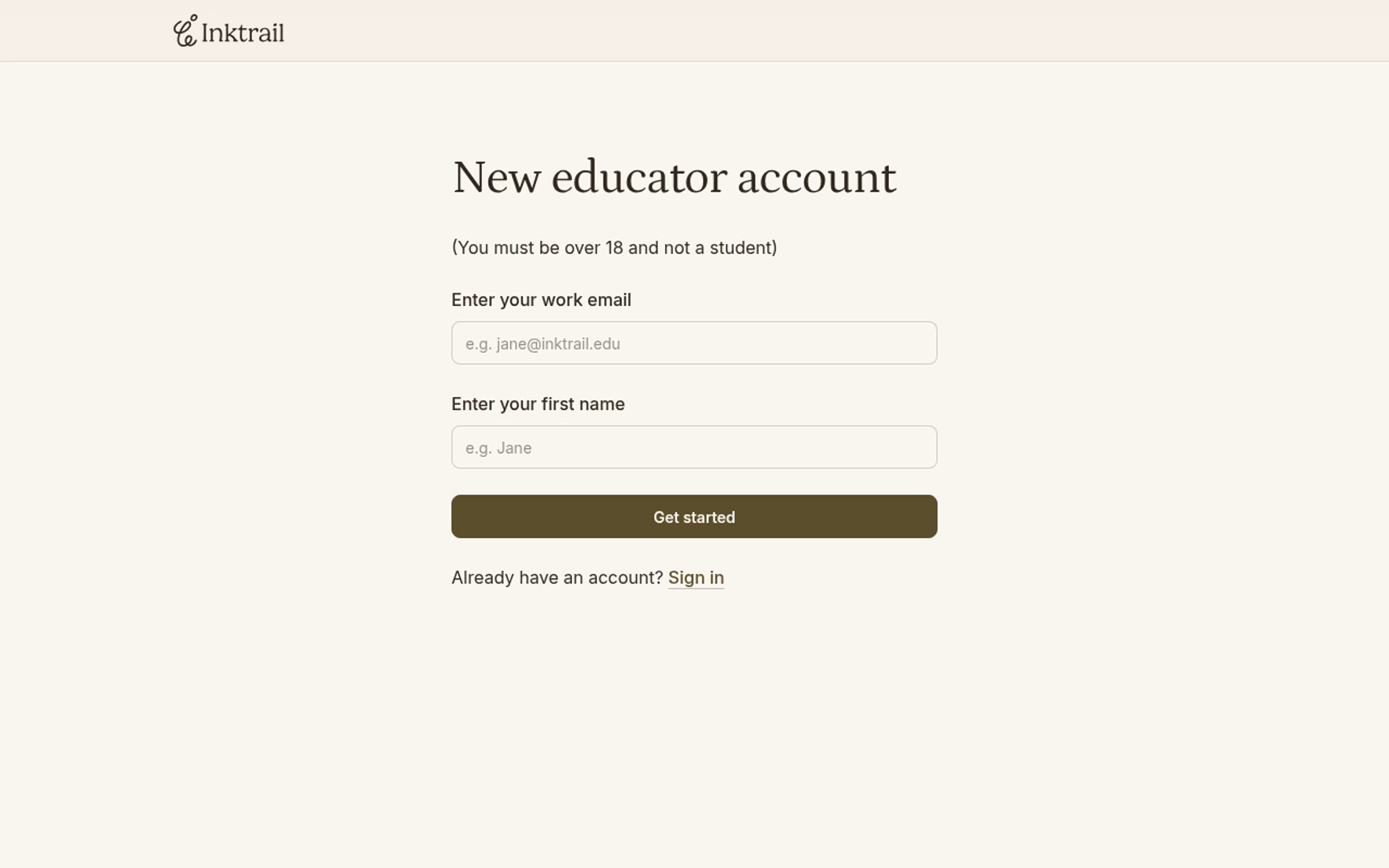
On Educator Login, select Create account. Enter your work email and first name, then select Get started.
2. Open your email link
When Check your inbox appears, open the welcome email from Inktrail in your inbox and follow its signup link. You return to the signup form with your first name already filled in. Check the email address shown after “Signing up as”.
3. Complete your details
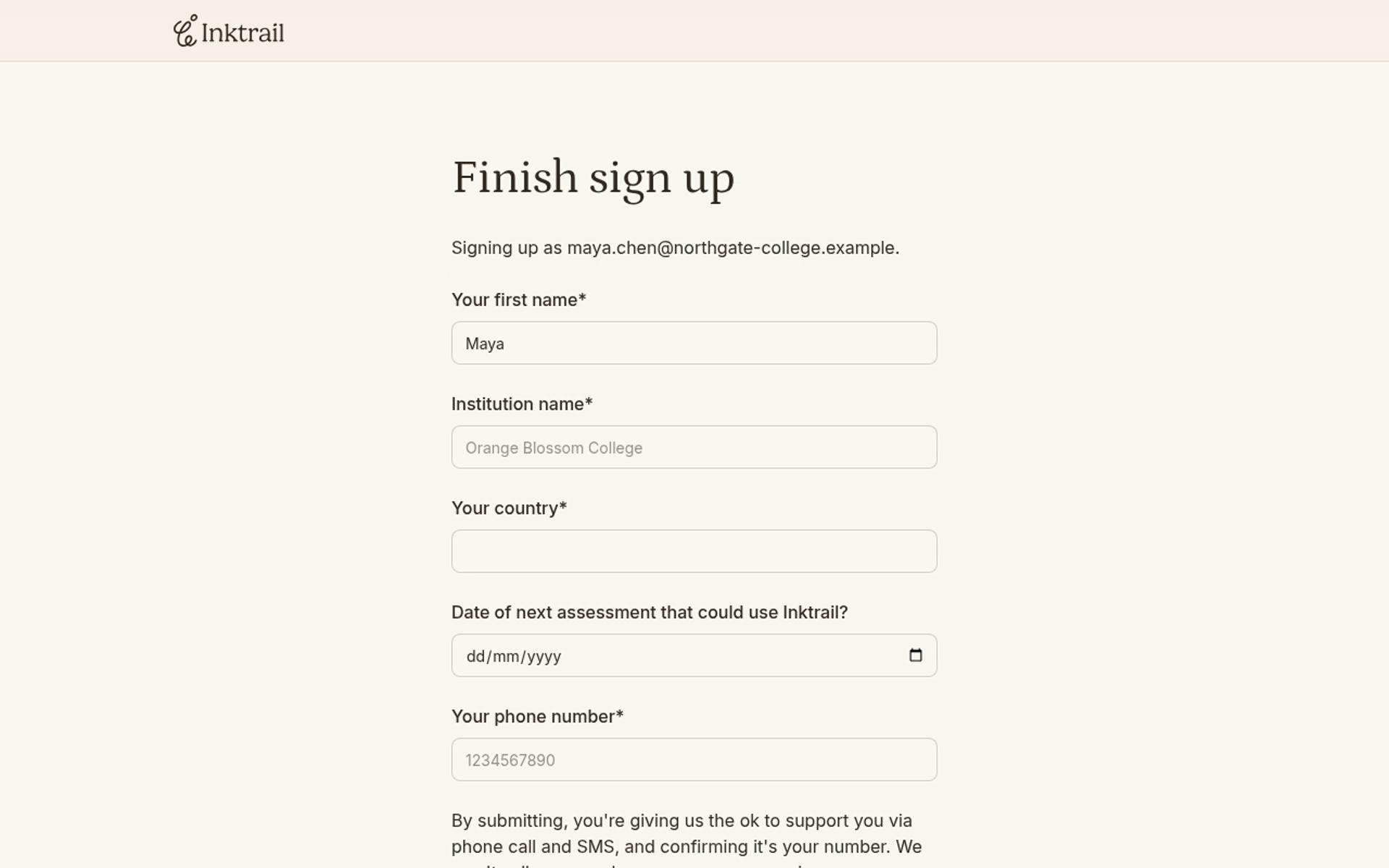
Check your first name, then enter your institution name, country and phone number. The date of your next assessment is optional; this example leaves it blank.
Select Finish sign up.
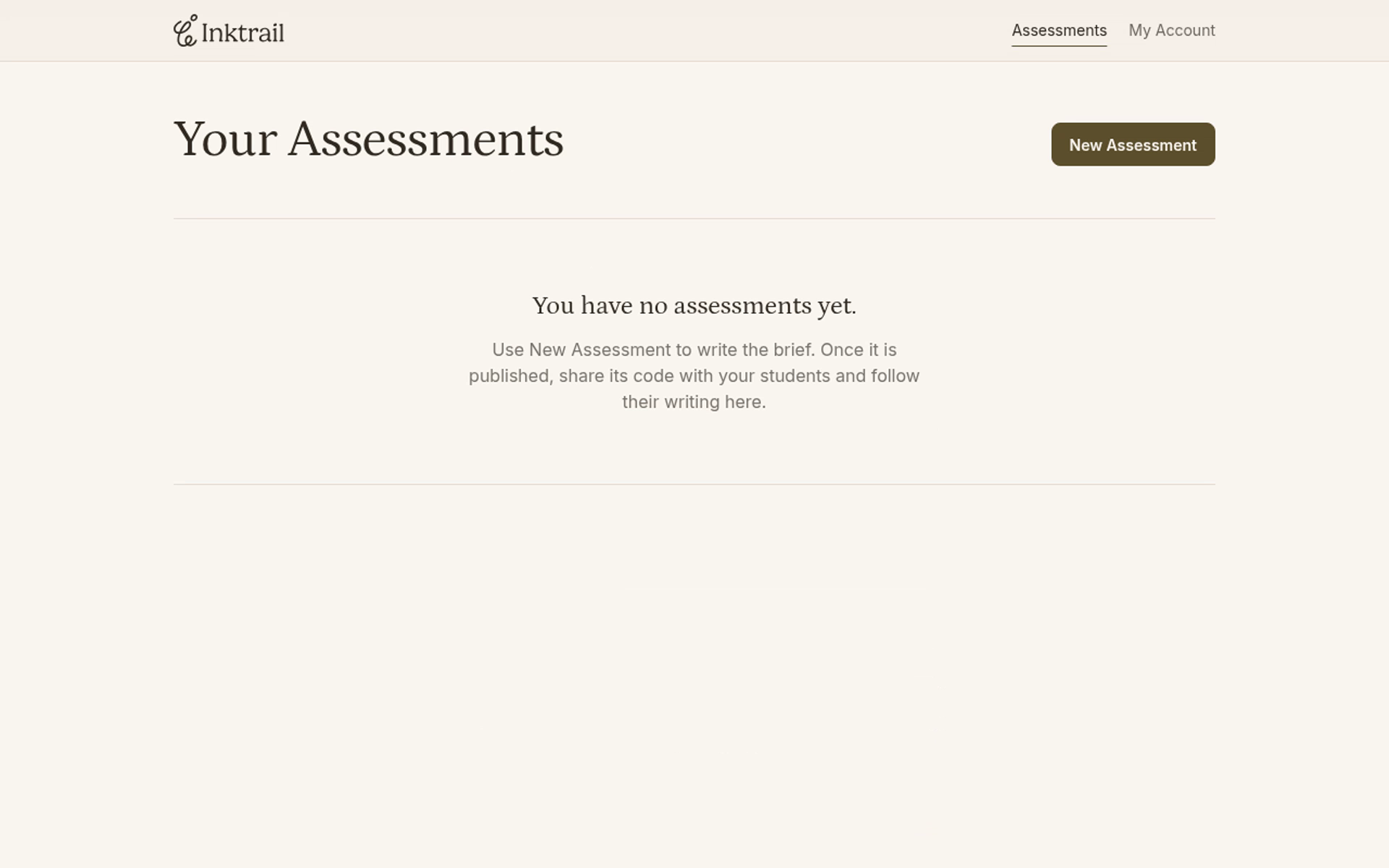
You are now signed in on Your Assessments with your new educator account and institution. Your assessment list is empty, ready for your first task.