Start a timed assessment
Read the instructions before you start your timer, then write with your remaining time in view.
You need to be signed in, have joined your teacher's assessment, and be within its opening times. This example uses a 60-minute assessment; your teacher may allow a different amount of time.
1. Open the assessment and prepare
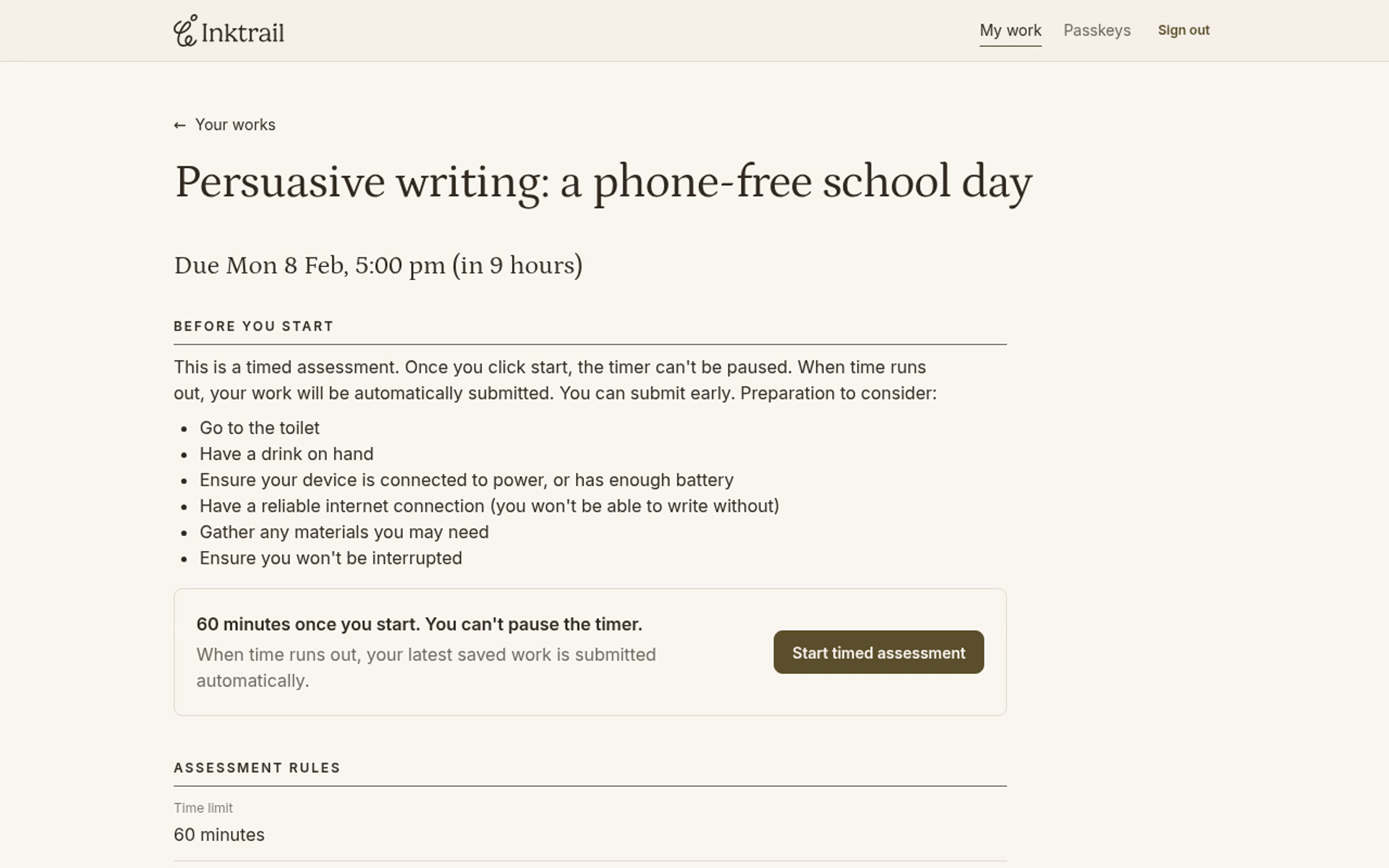
On Your works, select your assessment's name. Read Before you start and check the time allowed beneath it. Opening this page does not start the timer.
Get ready before continuing: have a reliable internet connection, enough battery or power, and any materials you need. Choose a time when you will not be interrupted. Once started, you cannot pause the timer. The page explains that your latest saved work is submitted automatically when time runs out.
2. Start when you are ready
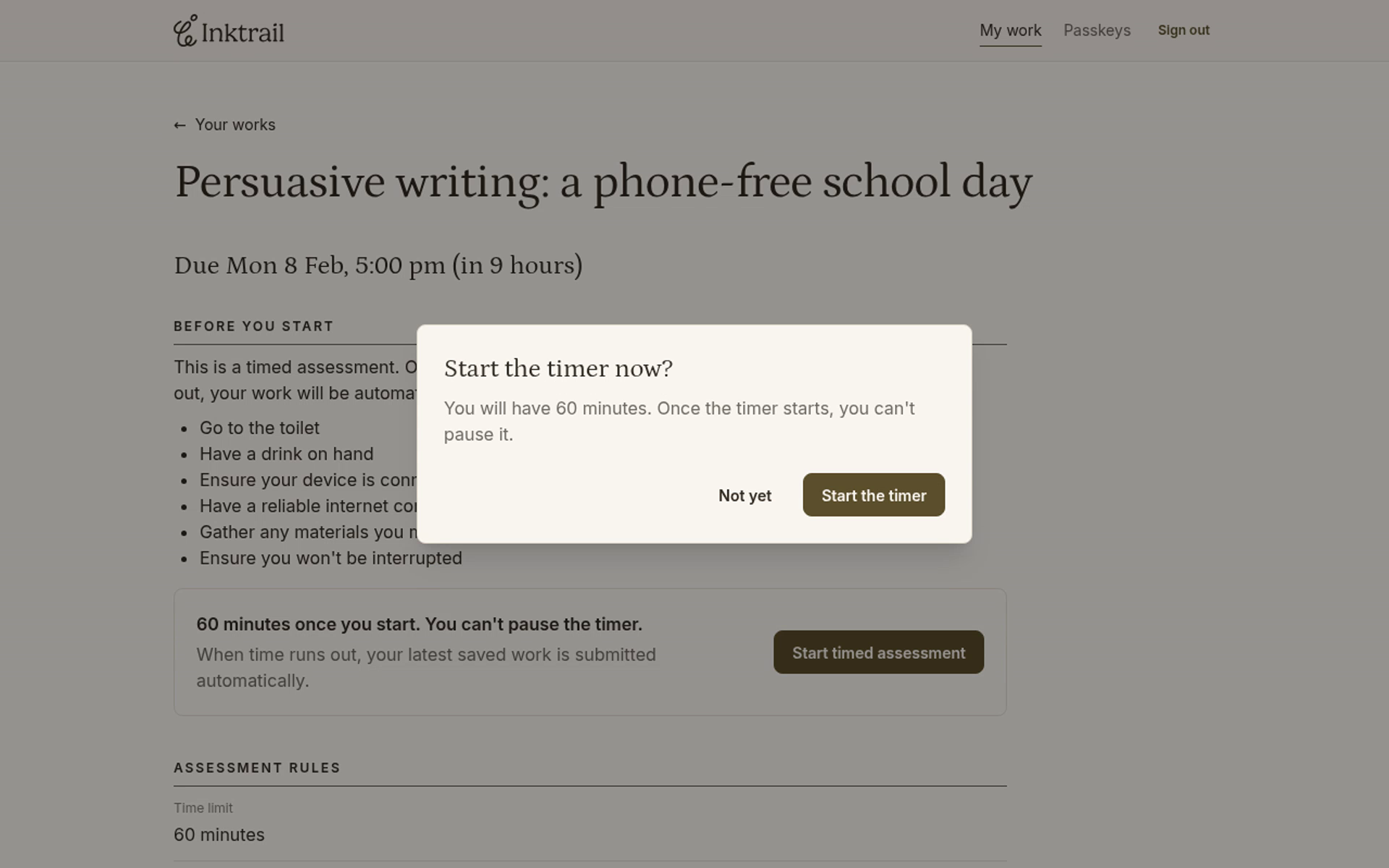
Select Start timed assessment. Read the confirmation. Your timer has not started yet.
When you are ready, select Start the timer. The editor opens with Time remaining above your writing area.
3. Write and check saving
Click in the writing area and write your own answer to your teacher's task.
Inktrail saves your changes as you type. Check for Saved beneath the editor. Keep an eye on Time remaining while you write.
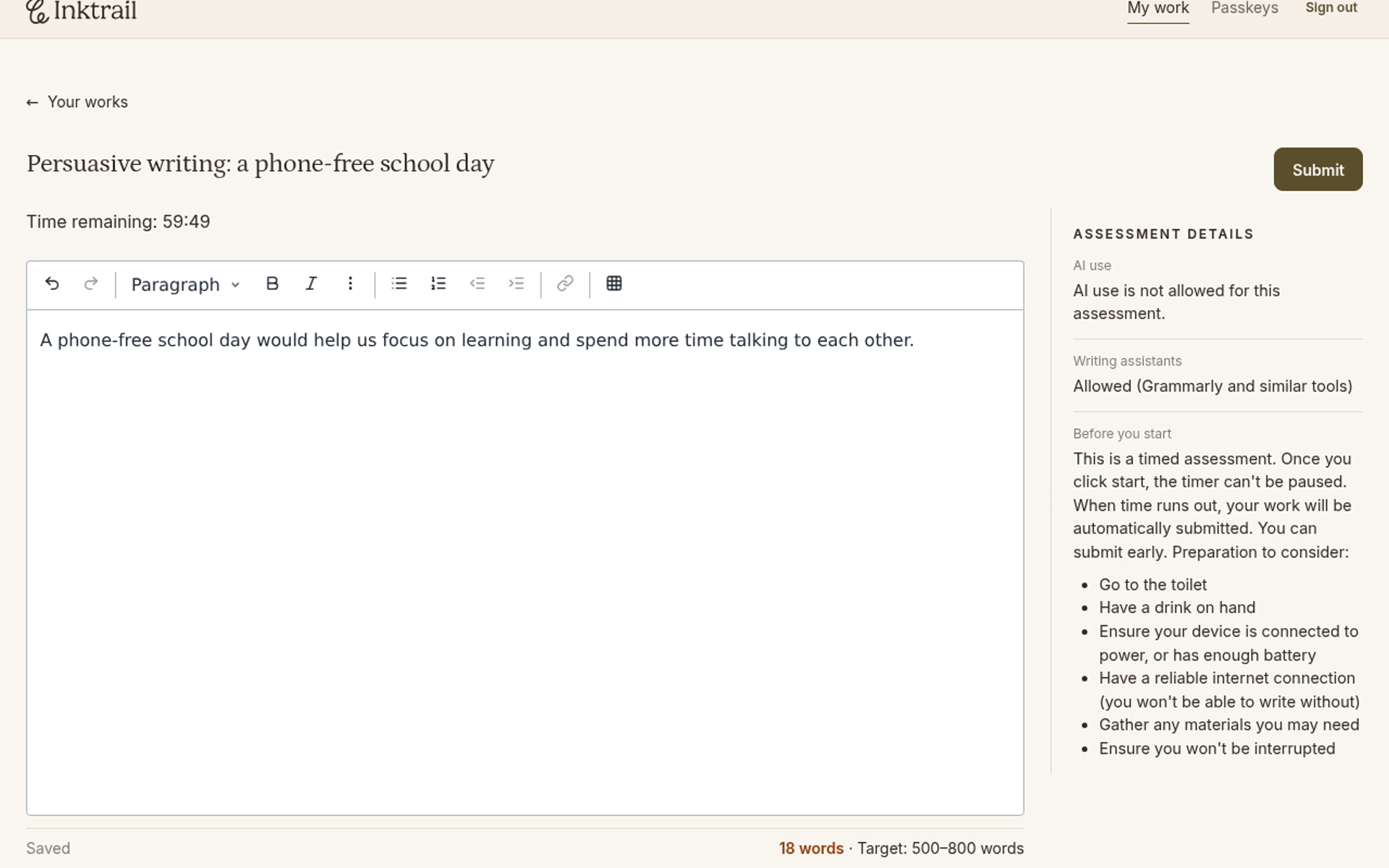
Your timer is running, your opening sentence is saved, and you can continue writing with the countdown in view.